
Billiard room system: total control of tables, time and consumption
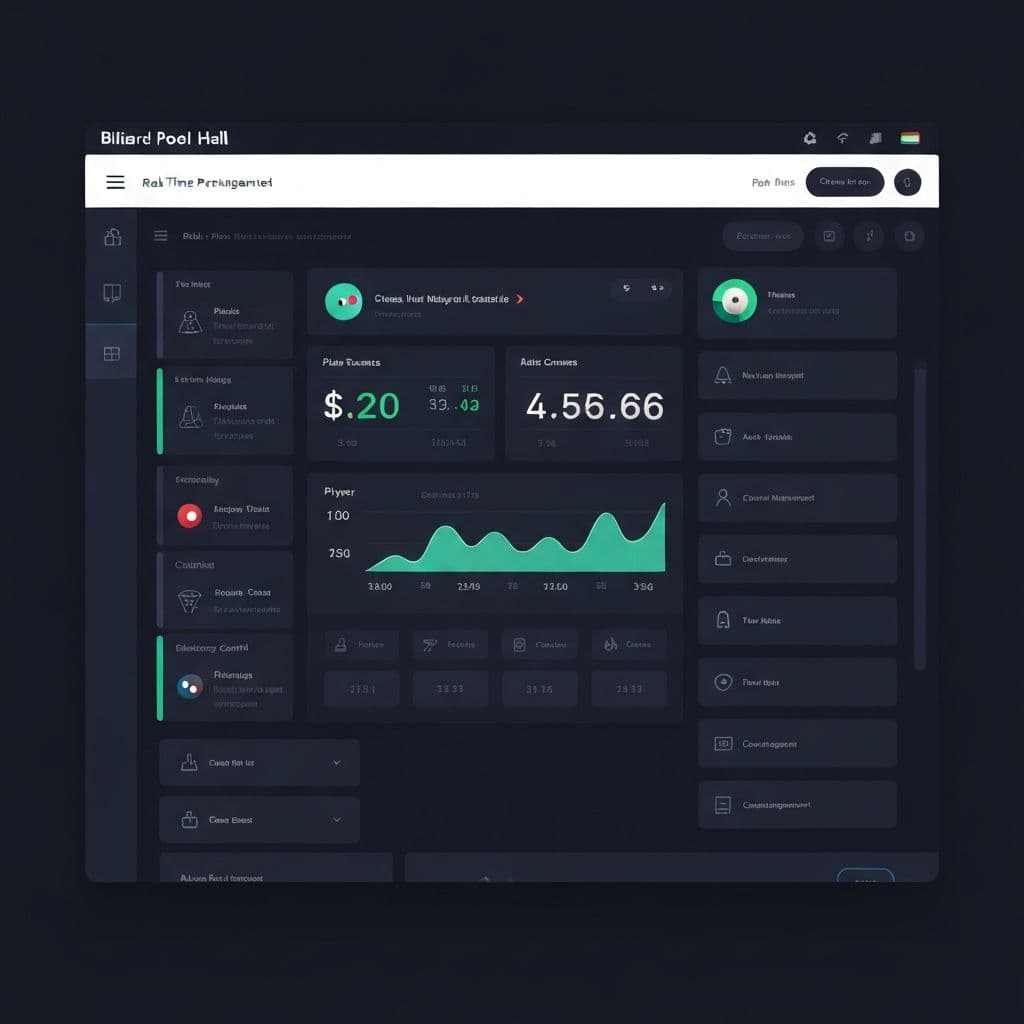
In a pool hall, every minute you spend at an active table is money. But when that charge depends on someone writing down the start time on a piece of paper, calculating how much time passed and not forgetting to add up the drinks ordered, the margin for error is enormous.
The Control Play System solves this problem at its roots: it automates time-based charging, integrates cafeteria consumption and gives you complete visibility of the business in real time.
What is the Control Play System
It is a specialized software built exclusively for billiards and snooker rooms. It is not an adaptation of another system: it was designed understanding exactly how this business works.
Developed with Laravel, Livewire and PostgreSQL, it works from any browser without complicated installations. The cashier can view all tables from a single screen and manage each one with a few clicks.
The functions that change the operation
1. Real-time table control panel
The main screen shows the status of each table at a glance: free, in use, with active timer. When a table is busy, you can see how long it has been active and the accumulated amount in real time.
Starting a game is a matter of one click. Stop her, anyway. No physical timers, no papers, no arguments about how long they played.
2. Automatic timer with flexible rates
The system charges by time with automatic precision. You can configure:
- Standard rate per minute or hour for regular hours
- Special schedule with differentiated rate for night hours or weekends
- Rates per table type if you have tables of different categories (pool, snooker, carom)
The charge is calculated on its own. The operator does not need to make any accounts.
3. Cafeteria consumption integrated per table
The income of a pool hall does not come only from time at the table. Drinks, snacks and other consumption are an important part of the billing.
The system allows any consumption to be recorded directly in the account of the corresponding table. When the customer finishes playing, the total charge includes time plus consumption in a single ticket.
- No confusion of who ordered what
- No fees that are forgotten
- Unified account at checkout
4. Credit system per client
If you have frequent clients to whom you offer credit, the system formally manages it:
- Create customer profile and enable credit feature
- Set custom credit limits per person
- Control pending balances from the collections panel
You no longer have to remember who owes you how much or write it down in a notebook.
5. Detailed business reports
At the end of the shift or day, you have available:
- Occupancy by table: which tables generated the most income and at what times
- Income per period: sales for the day, week or month
- Best selling products: What do your customers consume most in the cafeteria?
- Comparisons by shift: morning vs. late vs. evening
This data allows you to make specific decisions: at what times to add staff, what products to keep in the cafeteria, which tables should be renewed first.
Capacity and scalability
The system supports up to 100 simultaneous tables. For most pool halls, that's more than enough. If your operation is larger, it can be scaled according to your requirements.
Do you have questions about how many tables or users you can manage? You can review them in our guide to choosing the correct system for your billiard room.
Available plans
BillarPOS has three options depending on how you prefer to operate your business:
| Plan | Price | Detail |
| Monthly | S/ 90/mes | No permanence, cancel whenever you want |
| Annual | S/ 900/año | 2 months free (S/ 75/month effective) |
| One-time payment | S/ 3,800 | Deploy to your account, 1 year of support included |
One-time payment includes full installation in your own Laravel Cloud account, initial setup (table types, rates, users, roles), and 1 year of support. From the second year onwards you only pay for your infrastructure directly.
If you want to understand when a monthly plan, an annual plan or a single payment is appropriate, read Monthly subscription or single payment: which is better for your business.
What changes in your business from the first month
Owners who implement the system quickly notice concrete changes:
- Zero fights with clients over how long they played. The stopwatch is objective.
- Cafeteria income that was previously lost because no one recorded it correctly.
- Faster and error-free cash closing. Everything is recorded automatically.
- Real visibility on which tables and which times are most profitable.
- More responsible team because each action is recorded.
Try the demo without obligation
Before making any decisions, you can explore the complete system with test credentials:
- User: admin@example.com
- Password: password
Register a session, add bar items, close the checkout, issue SUNAT receipts, and review the reports. Take the time you need to convince yourself that it is what you are looking for. You can also see all the details on the BillarApp page.
Conclusion
A well-run pool hall is a profitable pool hall. The Control Play System gives you the tools so that each table, each consumption and each turn are recorded correctly, without depending on someone having a good memory or good handwriting.
Do you have a pool hall and want to see if this system fits your operation? Write to me by WhatsApp at +51 933317879 and we will coordinate a personalized demonstration.
Did you enjoy this article?
Discover how we can help you scale your business with custom software.
Related Articles
Guide to choosing the best system for your billiard room
Key factors to consider before investing in management software for your billiards business.
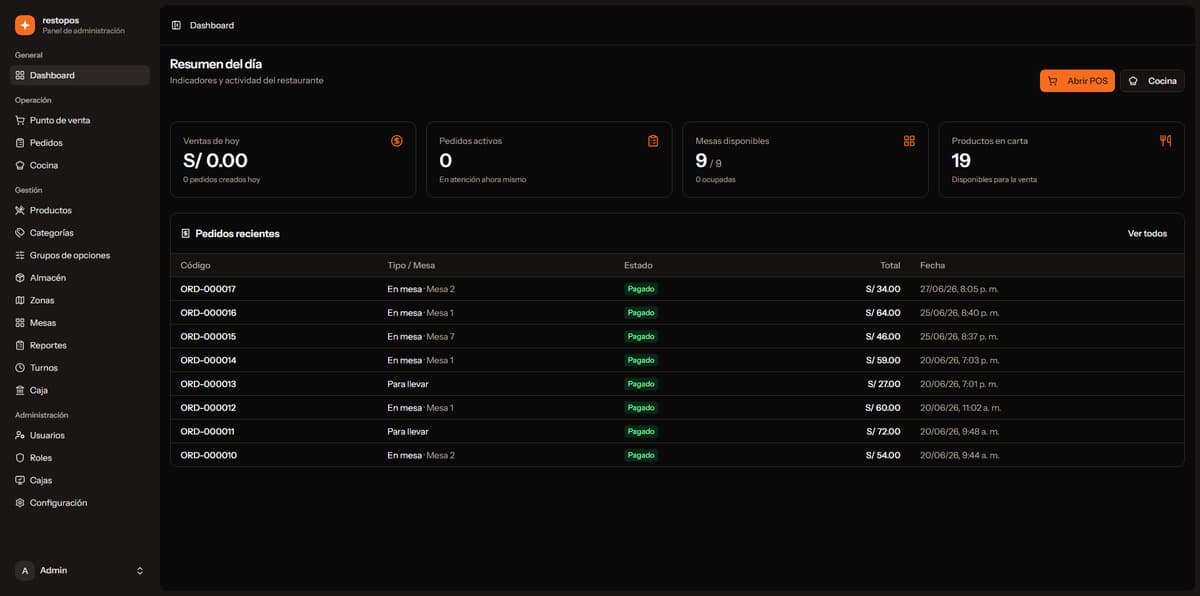
Why Specialized Vertical SaaS Outperforms Generic ERPs for Local Businesses
Discover why generic ERPs often fail for small and medium businesses, and how vertical software built specifically for single industries ensures immediate adoption and fast ROI.
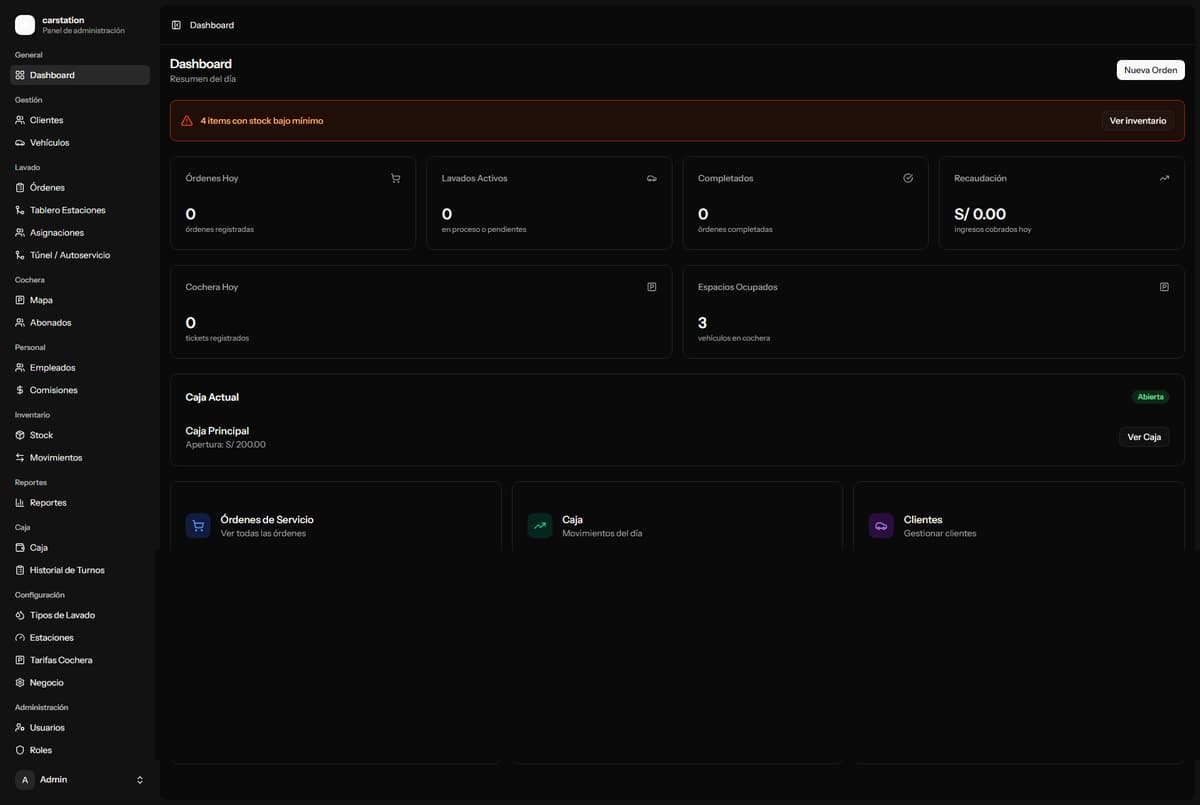
CarStation: Manage Your Car Wash, Parking Garage, and Commissions in One Place
Car washes often struggle with manual commission math and paper parking logs. CarStation automates everything — wash pipeline, staff commissions, parking map, and register closing.