
How to prepare your team for a new management system
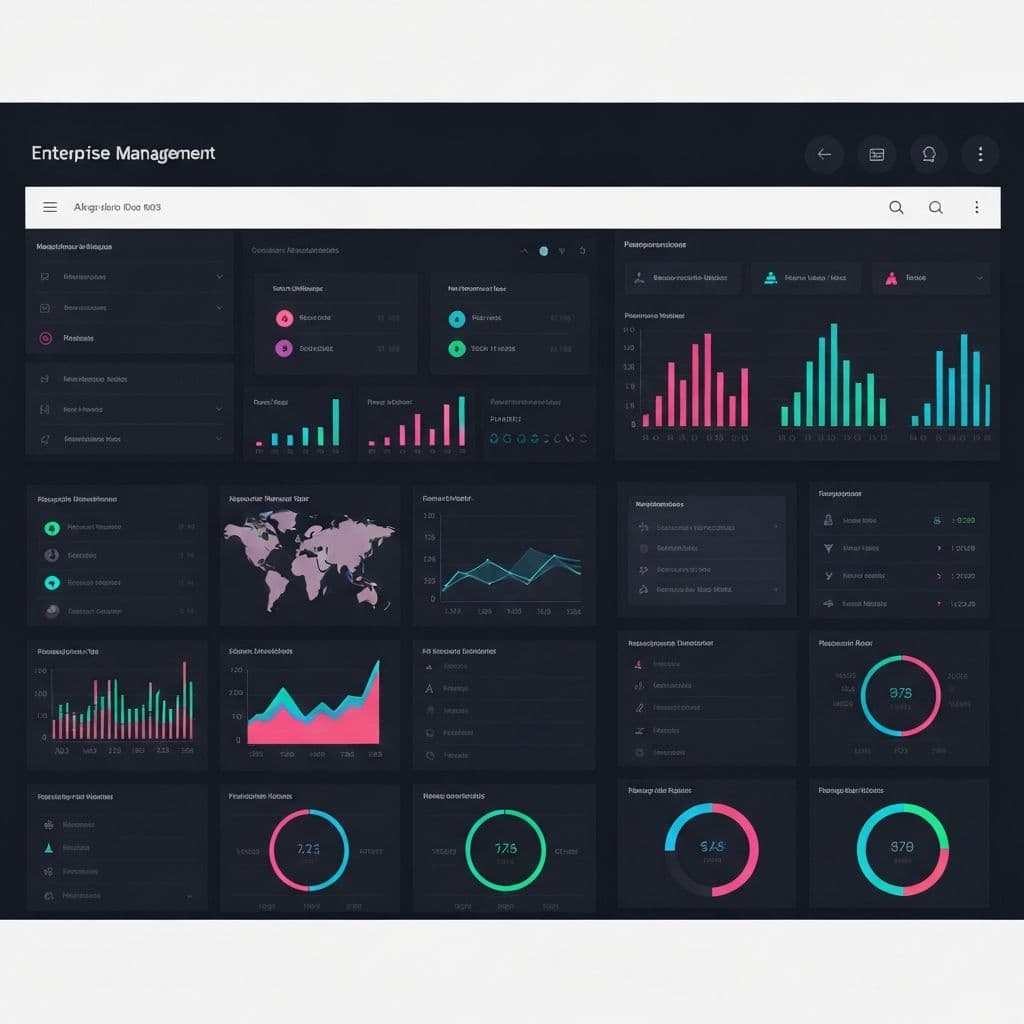
Implementing a new management system is one of the most important steps in the modernization of a company. However, the success of this transition depends not only on the quality of the software, but also on the adoption by your team. An unmotivated or poorly trained team can sabotage even the best of tools.
Here is a step-by-step guide to prepare your staff and ensure a successful transition.
1. Communication: Why it is Key
Before talking about the "how," explain the "why." Resistance to change is natural, and often stems from fear of the unknown or the perception that the new system will complicate work.
- Announce the Change in Advance: Nobody wants surprises. Inform your team about new software weeks or even months before implementation.
- Explain the Benefits: How will the new system make your job easier? Will it automate repetitive tasks? Will it reduce errors? Focus on the direct benefits for them, not just the company.
- Create a Space for Questions: Organize a meeting to present the project and allow your team to express their doubts and concerns. Open and honest communication is essential.
2. Training: Customized Training
One size does not fit all. Training should be relevant to each employee's role.
- Practical Sessions: Theory is not enough. Host workshops where employees can use the software in a test environment.
- Support Material: Create or request quick guides, manuals and video tutorials from the supplier. This allows staff to review knowledge at their own pace.
- Identify "Champions": In each department, identify one or two people who show enthusiasm and ease with the new tool. Make them the “champions” or “super users” who can help their peers.
3. Support: Don't Leave Them Alone
The launch period is critical. Problems and questions will arise, and your team needs to know they have someone to turn to.
- Clear Support Channel: Define a clear channel to request help (e.g. an email, a chat group or a designated manager).
- Vendor Support: Make sure your software vendor offers good post-implementation support service and that your team knows how to contact them.
- Patience and Positive Reinforcement: There will be a learning curve. Be patient, celebrate small successes, and positively reinforce correct use of the system.
4. Monitoring: Continuous Improvement
Deployment does not end on launch day. It is a continuous process.
- Collect Feedback: After a few weeks of use, ask your team for feedback. What works well? What can be improved?
- Reinforcement Sessions: Organize additional training sessions to address common questions or to teach advanced functionalities.
- Measure Success: Use the system's own reports to measure how it is being used and what impact it is having on productivity.
Conclusion
The key to successful adoption of a new management system is putting people first. A change management strategy focused on communication, training and support will not only minimize resistance, but will turn your team into enthusiastic allies of the new technology.
Are you ready to take your team to the next level? A well-planned implementation is an investment in your people and the future of your company. If you are looking for more information about digital transformation, read Digital transformation for SMEs: where to start.
At SebasTZ, each implementation includes initial training and 30 days of post-launch support. If you are evaluating which system is right for your business, explore our ready-to-implement solutions: Carwash POS System, Billiard System, GlowApp for beauty salons and the Veterinary System for clinics.
Did you enjoy this article?
Discover how we can help you scale your business with custom software.
Related Articles
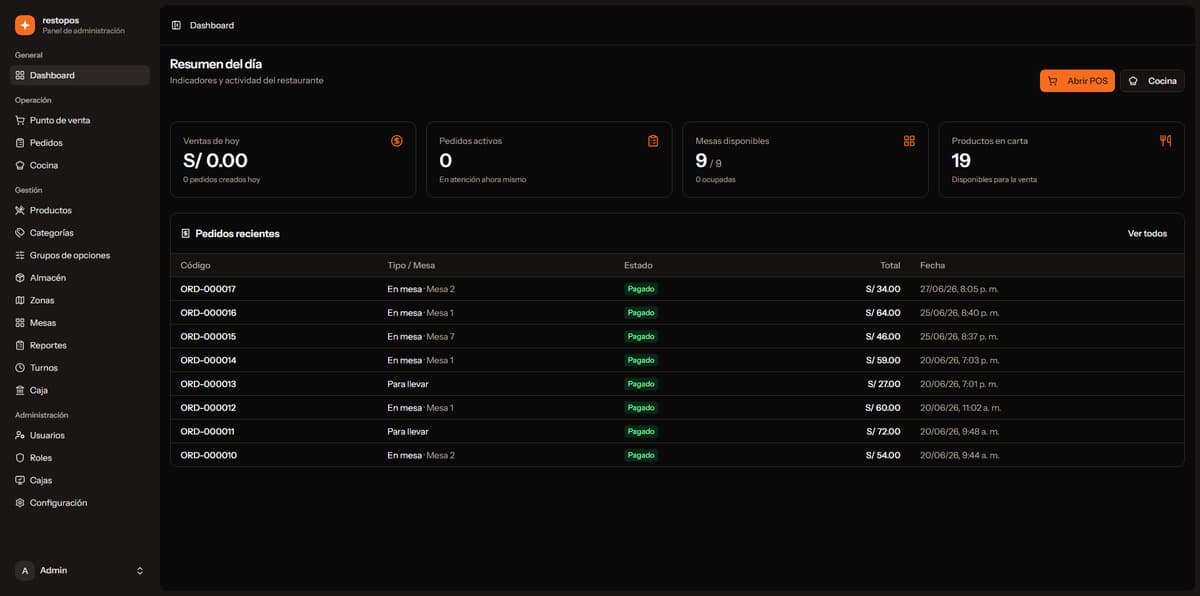
Why Specialized Vertical SaaS Outperforms Generic ERPs for Local Businesses
Discover why generic ERPs often fail for small and medium businesses, and how vertical software built specifically for single industries ensures immediate adoption and fast ROI.
Monthly Subscription vs. One-Time Payment: Which Pricing Model Fits Your Business?
Comparing monthly, annual, and one-time licensing for small business management software. Honest breakdown of costs, cash flow impact, and total ownership.
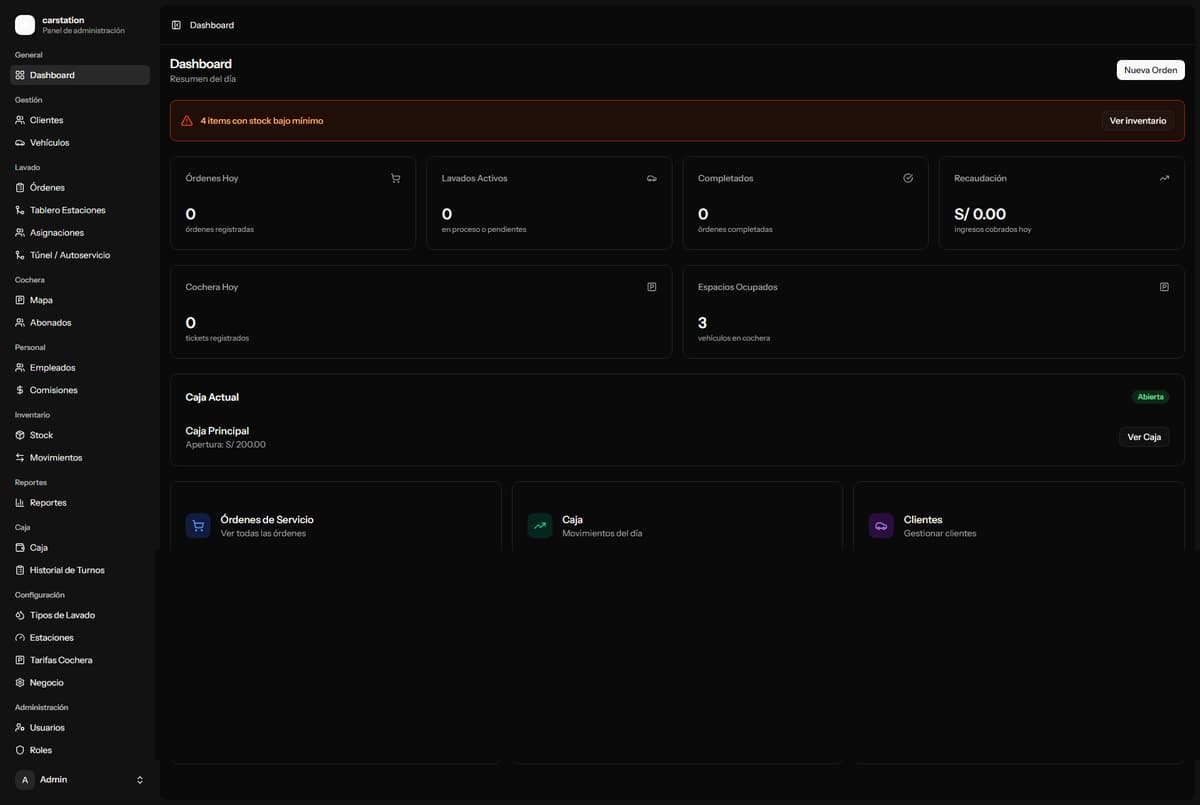
CarStation: Manage Your Car Wash, Parking Garage, and Commissions in One Place
Car washes often struggle with manual commission math and paper parking logs. CarStation automates everything — wash pipeline, staff commissions, parking map, and register closing.